Helios Rust Console Bot Documentation
Server Connection Troubleshooting
Validate and troubleshoot Helios server connection (WebRCON) on Rust Console hosts with structured connection tests and recovery steps.
- Last updated
- Maintained by
- Helios RCE
What This Page Covers
- Fast validation checks for connection health
- Most common failure patterns and fixes
- A repeatable escalation path before opening support tickets
In Helios docs, this server connection is called WebRCON.
Fast Validation Checklist
- Run
/server listand confirm target server details are current. - Run
/cmd send command:"fps"to verify command execution. - Run
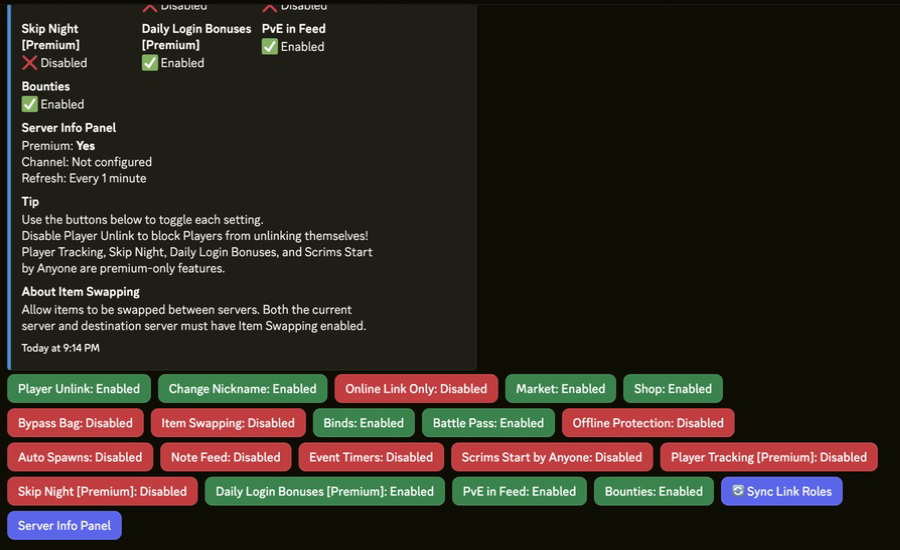
/whosonto verify polling and server responsiveness. - Confirm module toggles in
/settings serverafter command checks pass.
Commands or Controls
/server list
/server edit
/server enable
/cmd send command:"fps"
/whoson
/settings server
Common Failure Patterns
Pattern
Command times out after recent host changes.
Likely Cause
Host, port, or password values are no longer current.
Fix
Update the server entry with /server edit and rerun command/polling checks.
Pattern
Intermittent command success during peak windows.
Likely Cause
Host-side restarts, temporary network instability, or stale server enablement state.
Fix
Confirm server status, run /server enable checks, and re-test on a consistent schedule.
Pattern
Only some staff can run expected commands.
Likely Cause
Permission or role boundary mismatch, not a server connection (WebRCON) failure.
Fix
Review Permissions and Roles and verify command ownership policy.
Escalation Path
- Capture command outputs and timestamps in your operations channel.
- Re-run checks after one controlled restart window.
- Validate against host-specific guides (G-Portal, Nitrado).
- If unresolved, document exact failing commands and open a support request with logs.
Best Practices
- Keep one source-of-truth checklist for server connection (WebRCON) credentials and rotation events.
- Re-test connection health after wipes and maintenance windows.
- Avoid enabling high-impact modules until command and polling checks are stable.