Helios Rust Console Bot Documentation
/player link
Manually link a Discord user to a Rust gamertag.
- Last updated
- Maintained by
- Helios RCE
/player link
/player link is the staff version of account linking.
Use it when you need to link a player manually instead of asking them to run /link themselves.
When To Use It
- A player cannot finish linking on their own
- Staff are fixing an incorrect or missing link
- You want to pre-link a known player during setup or testing
Before You Run It
- Make sure the Discord user is the correct player
- Double-check the gamertag spelling
- Configure Set Link Role first if linked players should receive a Discord role
Command
/player link gamertag:"<NAME>" user:@User
Example
/player link gamertag:"<NAME>" user:@User
What To Check After Linking
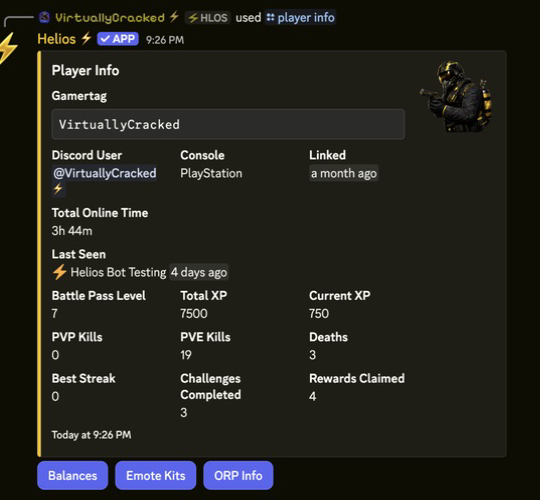
- The player now appears correctly in
/player info - The linked-player role is assigned if
/set link-roleis configured - Role-gated systems such as shops or rewards recognize the player correctly