Helios Rust Console Bot Documentation
/player unlink
Remove the link between a Discord user and a Rust gamertag.
- Last updated
- Maintained by
- Helios RCE
/player unlink
Use /player unlink when a linked account needs to be removed or corrected.
This is the cleanup command for bad links, old links, or players who need to relink from scratch.
Before You Run It
- Confirm the gamertag belongs to the link you actually want to remove
- Check
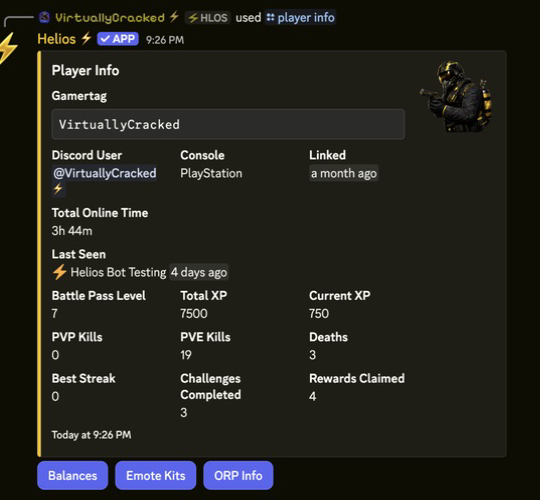
/player infoor/player searchfirst if you are unsure - Warn the player if they rely on linked-role access, shop role checks, or other linked systems
Command
/player unlink gamertag:"<NAME>"
Example
/player unlink gamertag:"<NAME>"
What Changes After Unlinking
- The player is no longer linked to that Discord account
- Linked-player role workflows may stop working until they relink
- Role-gated systems that depend on linked identity may no longer recognize the player correctly