Helios Rust Console Bot Documentation
/player unlink
Remove the link between a Discord user and a Rust gamertag.
- Last reviewed
- Maintained by
- Helios RCE
/player unlink
Admins use /player unlink when a linked account needs to be removed or corrected. Players use /unlink themselves after 48 hours, if player unlinking is enabled in Server Settings.
This is the cleanup command for bad links, old links, or players who need to relink from scratch.
Before You Run It
- Confirm the gamertag belongs to the link you actually want to remove
- Check
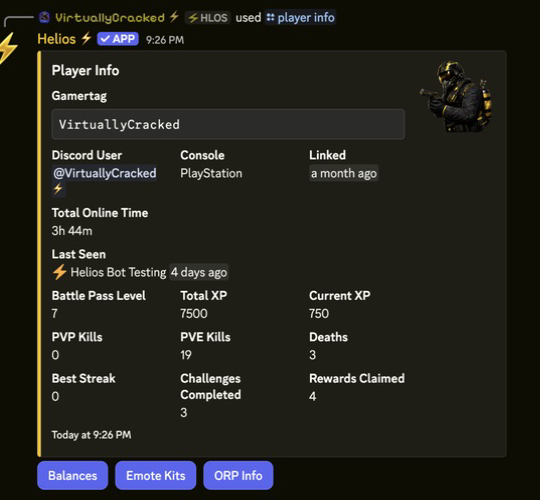
/player infoor/player searchfirst if you are unsure - Warn the player if they rely on linked-role access, shop role checks, or other linked systems
Command
/player unlink gamertag:"<NAME>"
Example
/player unlink gamertag:"<NAME>"
What Changes After Unlinking
- The player is no longer linked to that Discord account
- Linked-player role workflows may stop working until they relink
- Role-gated systems that depend on linked identity may no longer recognize the player correctly